Instagram feed sorter: sort posts by views, likes, comments, or date
Sort Feed for Instagram turns a visible Instagram grid into a sortable research view in desktop Chrome.
Use it when you need to sort Instagram posts by views, likes, comments, or date, inspect selected rows, and understand which visible posts are worth studying.
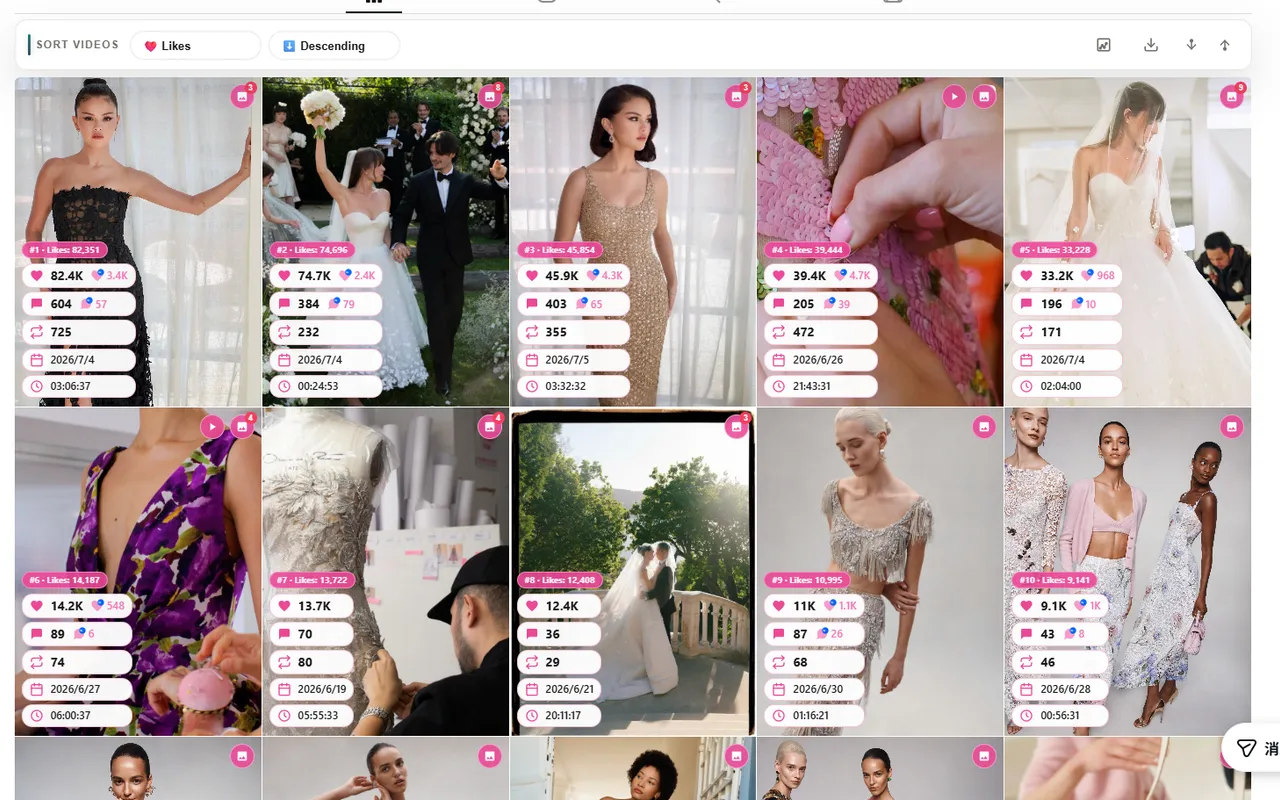
Sort by views
Use views to find reach leaders and reels that carried the most discovery.
Sort by likes or comments
Use likes for quick response signals and comments for discussion-heavy posts.
Sort by date
Use date when your question is publishing cadence, recent tests, or campaign timing.
Inspect after ranking
Review fewer rows after sorting instead of manually scanning an entire grid.
Direct answer
Sort Feed reorders visible Instagram posts and Reels in desktop Chrome by a chosen metric, then lets you inspect the rows and analytics that support your shortlist.
Instagram app ranking versus Sort Feed sorting
Instagram app ranking is optimized for consumption. Sort Feed is optimized for analysis.
What Instagram app ranking does
- Uses opaque recommendation logic rather than an explicit sort order.
- Changes over time without exposing a clean research control for analysts.
- Is designed for consumption, not structured comparison.
What Sort Feed adds in Chrome
- Lets you sort visible posts and reels by explicit metrics.
- Makes top posts on this page a clear and repeatable question.
- Supports row checks after sorting so your reporting starts from ranked posts.
How to sort Instagram posts in Chrome
- 1How to sort Instagram posts in Chrome
Install Sort Feed from the official listing
Use the sortfeed.io install link and pin the extension in desktop Chrome.
- 2How to sort Instagram posts in Chrome
Open a supported Instagram page
Use a visible profile, reels grid, saved page, search page, or discovery surface that your browser can already load.
- 3How to sort Instagram posts in Chrome
Pick the metric
Choose views, likes, comments, or date based on the question you need to answer.
- 4How to sort Instagram posts in Chrome
Review the ranked posts
Inspect selected rows with URLs, captions, dates, and visible engagement metrics when Instagram exposes them on the page.
Sort Instagram posts by views
View-based sorting is useful when your research question is about reach. It helps you surface posts and reels that traveled furthest instead of relying on the order Instagram happens to show first.
After sorting by views, inspect the top rows for hooks, formats, posting dates, and caption patterns worth using in a report or creative brief.
- Best for reach audits and reel research.
- Useful when comparing competitors or creator pages.
- Depends on the views Instagram exposes in the visible page.
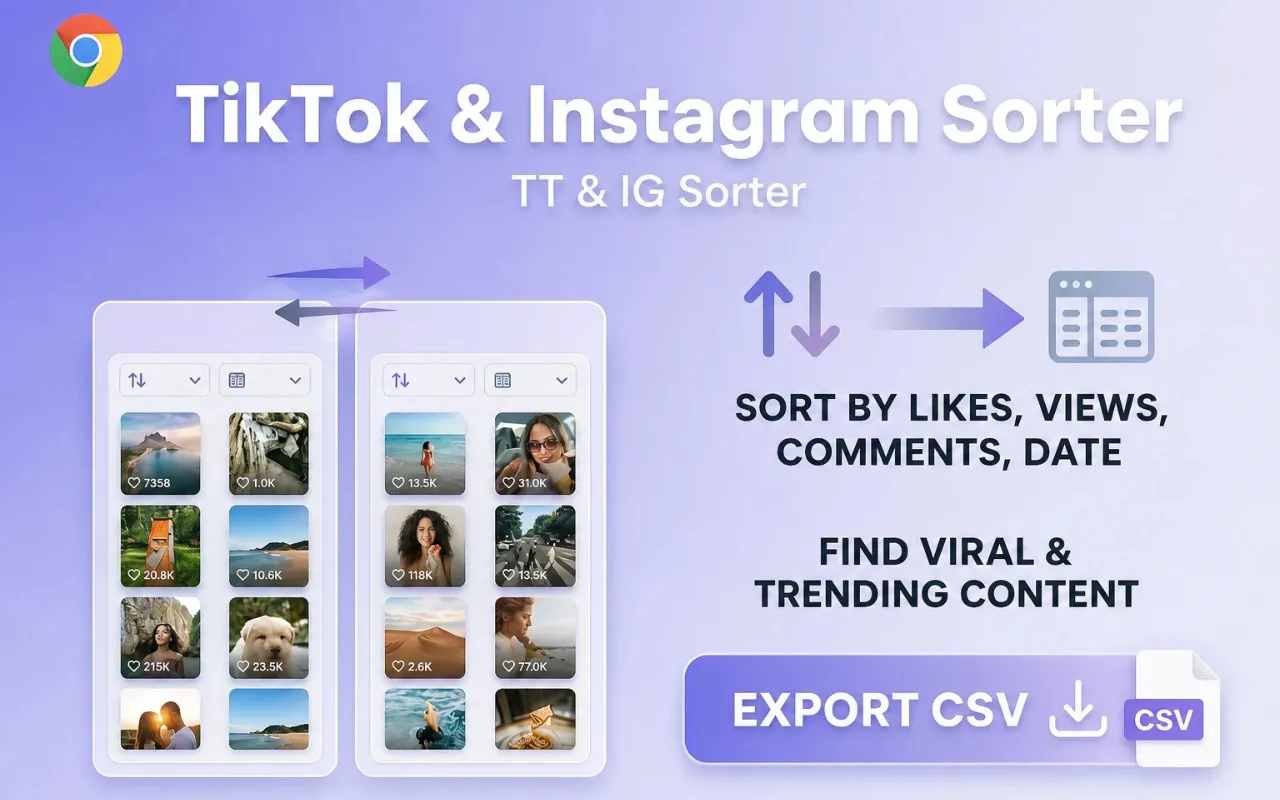
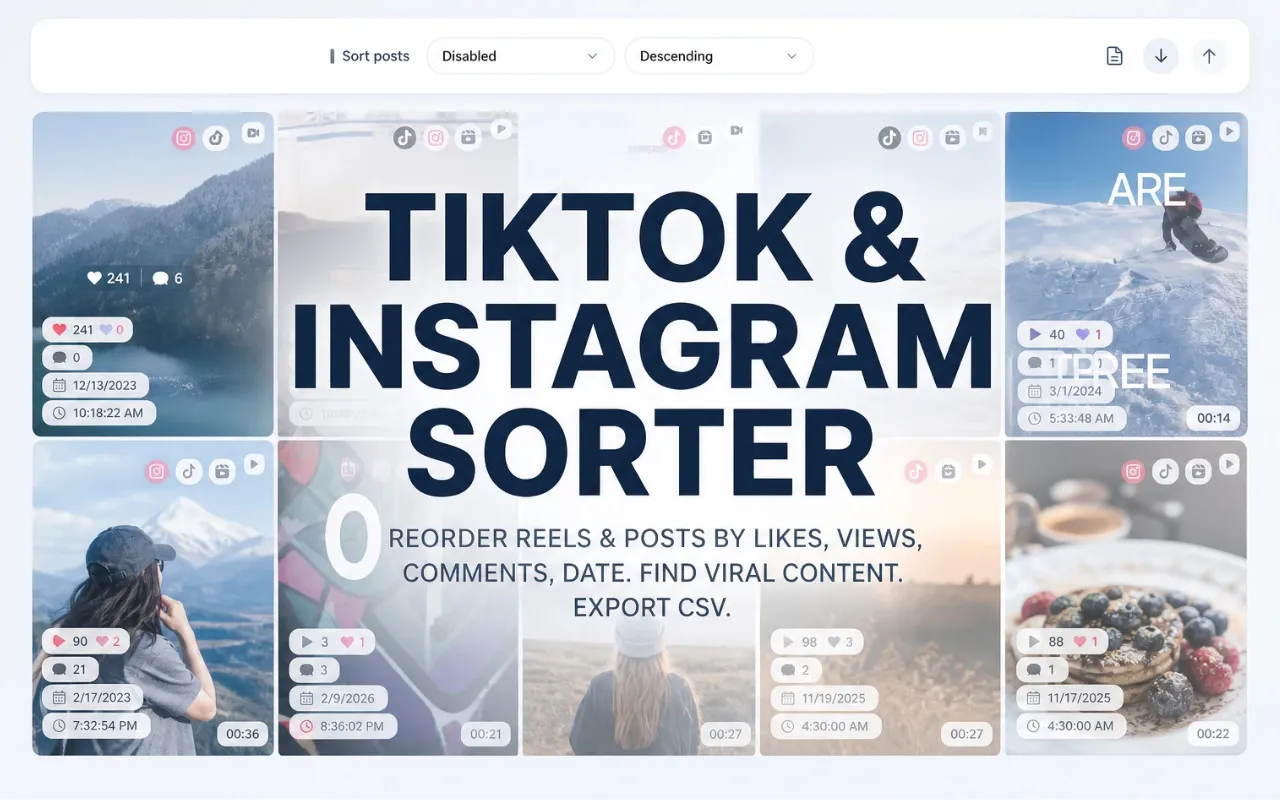
Sort Instagram posts by likes, comments, or date
Likes and comments help you separate broad reach from visible engagement. Date sorting helps you restore a timing view when you need to understand recent publishing or campaign cadence.
These metrics are more useful when you pick one question at a time. For example, sort by comments to find posts that triggered discussion, then switch to date when you need to check whether a spike is recent.
- Likes answer quick reaction questions.
- Comments answer discussion and community questions.
- Date answers recency and cadence questions.
Limits and responsible use
Sort Feed only works with content and fields that are visible to your browser session on supported Instagram pages. If Instagram changes a layout, hides a metric, or limits what appears in the grid, the available sorting fields can change.
For high-stakes reporting, verify final numbers on the source post or in a first-party analytics tool before making client, budget, or publishing decisions.
- No mobile-app support.
- No private-content bypass.
- No promise that every Instagram page exposes every metric.
Real Chrome Web Store reviews
Recent public reviews from the Sort Feed Chrome Web Store listing, shown with the original reviewer names, ratings, dates, and review text. Listing stats were checked on July 9, 2026.
4.8/5
Public Chrome Web Store rating
32
Visible rating count on the listing
2,000
Public user count on the listing
"Works great"
"worked liked it"
"Works really well."
"thanks for your Service, Nice work ! i'm in korea, wish you all the best with your business !"
"Simple, straightforward, and effective chronological sorting makes social media browsing more controlled and efficient!"
"This extension is extremely valuable if you want to improve browsing efficiency, especially for content research."
"Fast loading and no lag, works smoothly on both TikTok and Instagram with great compatibility."
"A must have tool to fight algorithm-driven feeds! If you hate "recommended for you" content, you should definitely try this."
"Great Instagram feed sorting tool. Being able to browse posts by publish time makes a huge difference."
"Works instantly after installation. My TikTok feed is now clean and organized without distracting recommendations."
"Perfect for social media managers. It helps me track the latest posts efficiently without missing anything important."
"I've been looking for a way to restore chronological feeds, and this extension does exactly that. Simple, clean, and easy to use."
"This extension is super useful! Finally I can sort TikTok and Instagram feeds chronologically instead of dealing with random algorithms. Huge productivity boost."
"Great idea! Super helpful! This plugin helps me do some simple data analysis, filter out irrelevant content, and keep my feed clean without changing the original experience. It saves me a lot of time on repetitive tasks and makes browsing much more efficient. thx"